
Ysgol Afon Wen
Online safety
Acceptable use policy
Please click here for Pupil AUP (Acceptable Use Policy)
- This is an agreement that outlines the appropriate use of access to a school’s network, computer systems and data by detailing what users may or may not do when utilising these platforms, including online and offline. The acceptable use policy sets out what we expect from users and describes it in basic terms.
- An acceptable use policy must be read and signed by everyone that uses the school system. All signed acceptable use policies are retained by the school. It is about accountability, responsibility, and respect.
- The acceptable use policy is a guide for users to understand what is expected of them while using the school systems.
Safeguarding on social media
Using Social Media (Tiktok, Instagram, Facebook, etc) safely is important.
It protects your privacy, your mental health, and your overall well-being.
Keeping your account safe prevents people you don’t know from getting personal details about you. It also reduces the risk of bullying or harassment. It is important to use social media safely as it can avoid exposure to inappropriate or harmful content as some videos may include dangerous challenges, adult content, violence and misinformation. It is important that you manage screen time. Social media is open to all, which means people can leave rude comments and users can spread negativity and videos can be taken out of context.
Please see the guidance below in order that you stay safe when using the social media platforms.
Adjust Your Privacy Settings
Default settings can be to public than many users realise. To stay safe:
- Set your account to Private:
- (Profile/Menu/Settings/Privacy/Private account)
- Turn off “Suggest your account to others” if you want to stay low-profile.
- Limit who can comment, duet, stitch, or message you.
- Disable location services for social media in your phone settings.
Be Careful With Personal Information
Never ever share:
- Your real-time location.
- Your school, workplace, or address.
- Private life details (documents, travel plans or ID).
Remember: Anything posted online can be saved or shared by others.
- Use strong security on your account.
- Enable 2-factor authentication (2FA).
- Use a strong, unique password.
- Don’t share your login with anyone.
- Be cautious of suspicious links or ‘fan pages’ asking for information.
Keep children safe online
South Wales Police is joining forces with local education authorities to warn parents about the dangers that lurk online.
It comes following an increase in the number of reports of children sharing indecent images online. Going online has become a way of life. It’s where we all learn, work and socialise. For children, going online is the new classroom, playground or play date. Sadly, there are people out there that take advantage of this and prey on the young.
South Wales Police, with its’ partners, is launching a new campaign with the simple message to parents
"Stop what you are doing, talk to your children about staying safe online, and protect them from harm".
The digital world
The internet is full of exciting things. Apps and technology are changing quickly, and it can be hard for parents to keep up. But it’s important they do. Because for kids, online life is real life. And just like real life, it comes with risks.
Virgin Media and O2 have collated some excellent resources click below that are designed to help parents have more regular conversations with their children about online safety – enabling more families to enjoy the digital world with confidence.
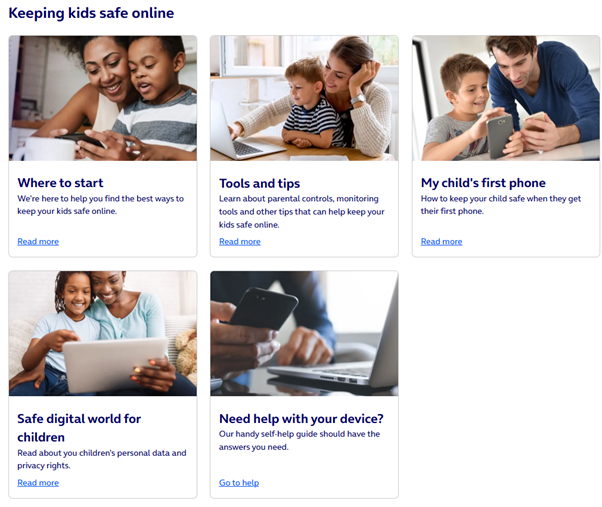
Online Safety at Home
Resources for parents to help you learn about online safety at home with your child.
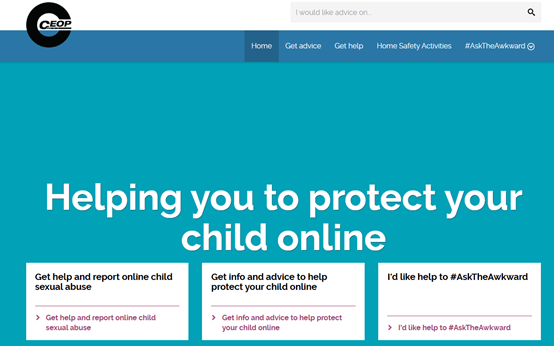
Safer Internet
Using the Internet safely and positively is a key message that we promote in Ysgol Afon Wen, and deliver online safety messages throughout the year to all pupils.
Resources which you may find helpful in supporting your child online are:
- • Advice for parents and carers from Childnet
- • Tips, advice and guides for parents and carers from the UK Safer Internet Centre
- • Guides on popular apps and games from NetAware
- • Reviews and information about games, apps, TV shows and websites from Common Sense Media
- • Help on using parental controls and privacy settings from Internet Matters
- • Information and reporting of online grooming or abuse from CEOP
Online safety is an important issue which, as a school, we are committed to teaching our young people about.
https://saferinternet.org.uk/advice-centre/parents-and-carers
If you have any concerns or questions about keeping your child safe online, please do get in touch with your child’s form tutor, Progress leader, DCF Lead (Miss A Franklin), or one of the Safeguarding Team.
Broadband parental controls at home
Online activity can be monitored via your broadband provider to ensure that your child stays safe on the Internet at home.
Parental controls can help you decide what your child can access online whilst allowing you to monitor their activity. It is better if you talk to your children before implementing these powerful tools as it's important to openly communicate with your children about their Internet usage and experiences. For hints and guidance on how to approach this, visit the NSPCC's website or the UK Safer Internet Centre.
Go Compare have put together some great tips and information. Click here to check them out.
Stop. Speak and Support
What issues could be affecting your children?
Get to grips with what they may come across on the internet and how to get help if you need it.
Find out what to do if you’re worried about anything you or your child has seen online.
- Inappropriate Content,
- Cyberbullying
- Online Grooming
- Sexting
- Online Reputation
- Self-Harm
- Online Pornography
- Radicalisation
Please follow the link below for excellent age-appropriate support and guidance regarding a variety of high-profile issues connected to the ‘Stop, Speak and Support’ campaign. CLICK HERE FOR INTERNET MATTERS WEBSITE
Internet safety checklist for teens
- stay involved
- stay safe on the move
- be responsible
- talk about online reputation
- Adjust controls
- show you trust them
- don't give in
Cybercrime: Preventing young people from getting involved
The National Crime Agency (NCA) has launched a public awareness campaign to highlight the increasing number of young people engaging in cybercrime.
The #CyberChoices campaign targets parents of 12-15-year-olds who may be involved in hacking or other kinds of online crime without their parents' knowledge. The campaign, also aimed at professionals who work with children and young people, highlights the range of criminal activities that children may be involved in, how to spot signs of potential problems, what the consequences could be and, importantly, signposts better ways for young people to use their technical skills.
For further information about cybercrime, and to watch the short film produced for the campaign, click here. For advice from the NCA on how to help young people avoid the risks of getting involved in cybercrime, and how to work with parents and carers on this issue visit the NCA website.